Powered By
Add to Home Screen
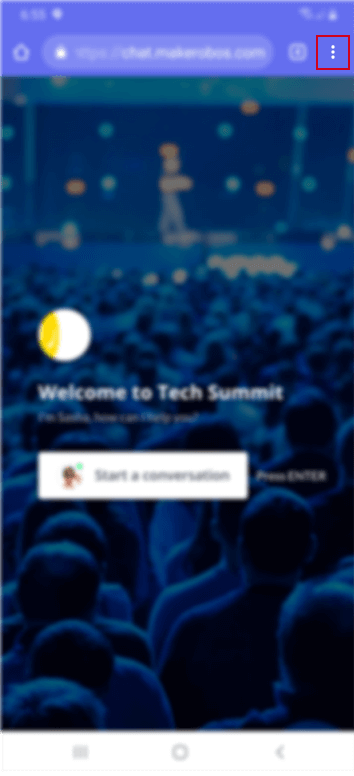
1. To add a PWA to your Home screen, open chrome and navigate to the website
When the page has finished loading, select the share button at the top right corner of the Android screen. The share button is shaped as three dots aligned vertically.
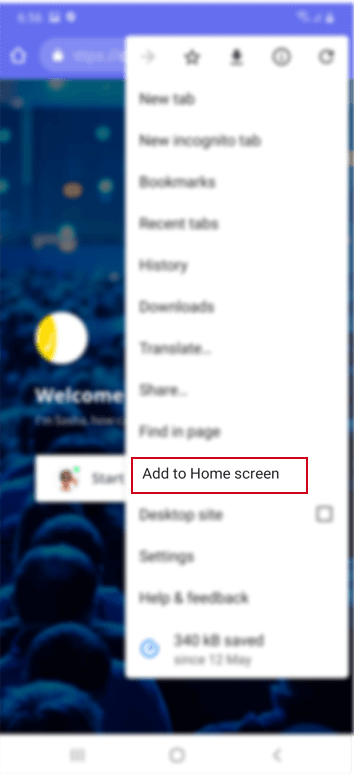
2. A menu will appear provding several options for how you would like to share the web page. Select "Add to Home Screen"
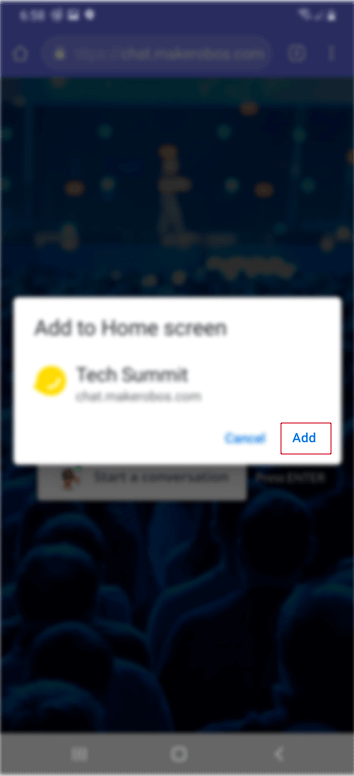
3. Another screen will appear , tap "Add" in the bottom right corner to create the icon on the Home screen.